apply service state is inconsistent with the DelayMins property
Cause
This warning was caused by one of the following reasons:
– The apply service was started without specifying the real-time apply option or without the NODELAY option when the DelayMins property was set to zero.
– The apply service was started with the real-time apply option or with the NODELAY option when the DelayMins property was set to a value greater than zero.
How to start the investigation
First we should login to DATAGUARD manager and check if error exist or there is any other error is associated with the error.
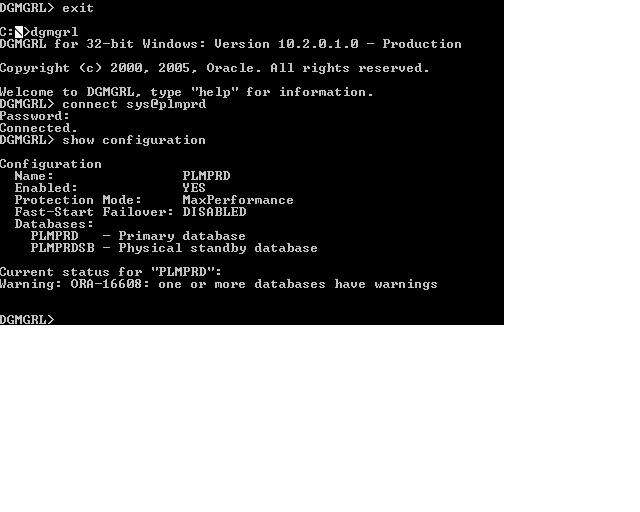
The above screen shot shows there is some problem in one of the database primary or standby. So now we will check both of the databases to find out the exact error/errors.
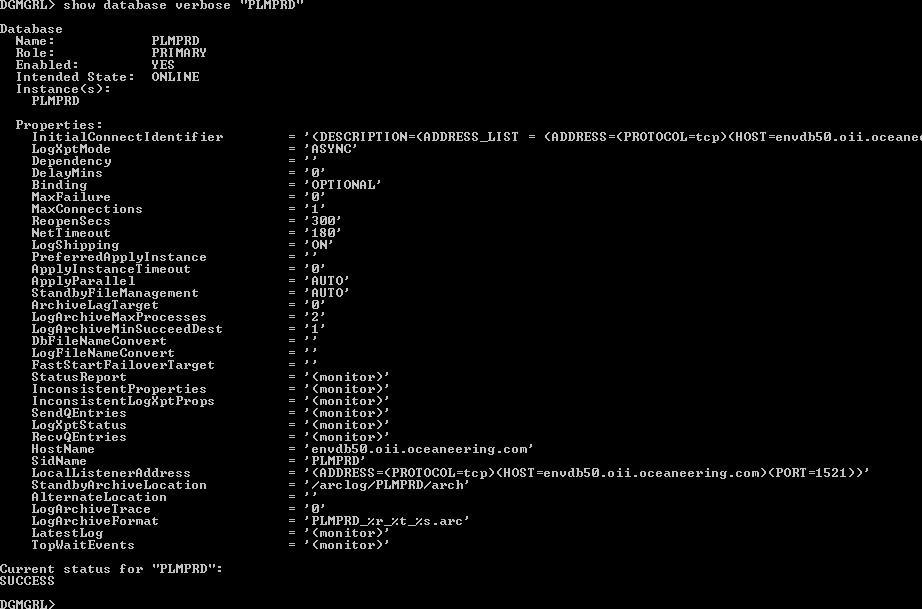
First we checked the primary database and we found that there is no problem on this side as the status shown is SUCCESS at the end.
Now we will look for possible error in Standby side.
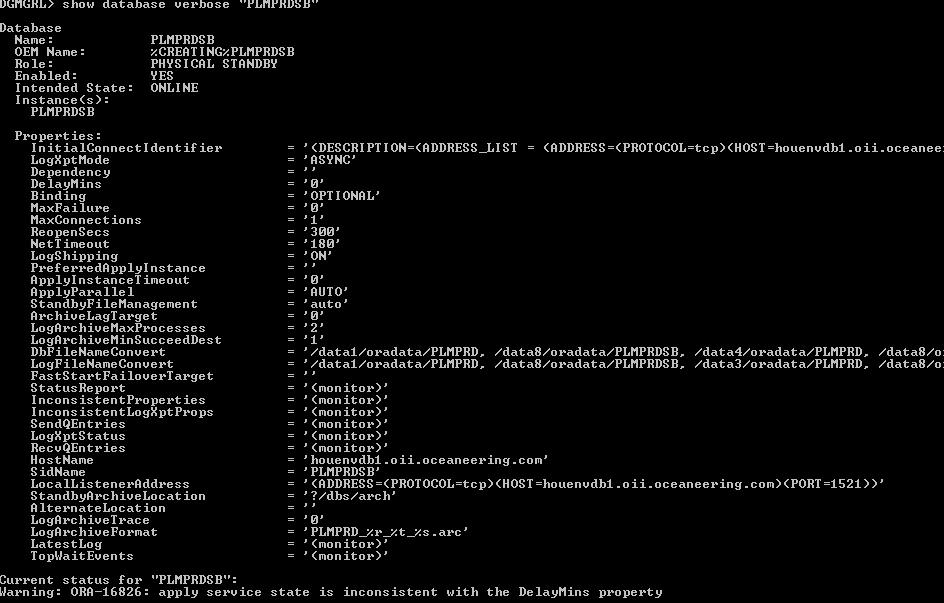
As expected, we found one warning on the standby database. There is a warning ORA-16826.
Error suggest that Redo apply state is not consistent with the Delay mins property.
Now we need to check the type of Redo apply mode activated on the standby server.
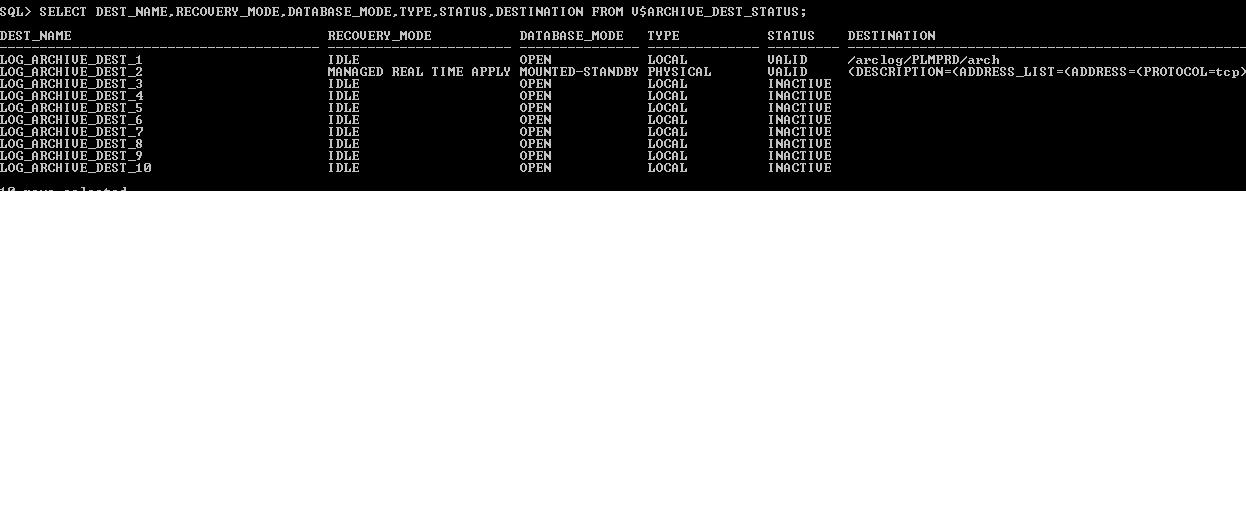
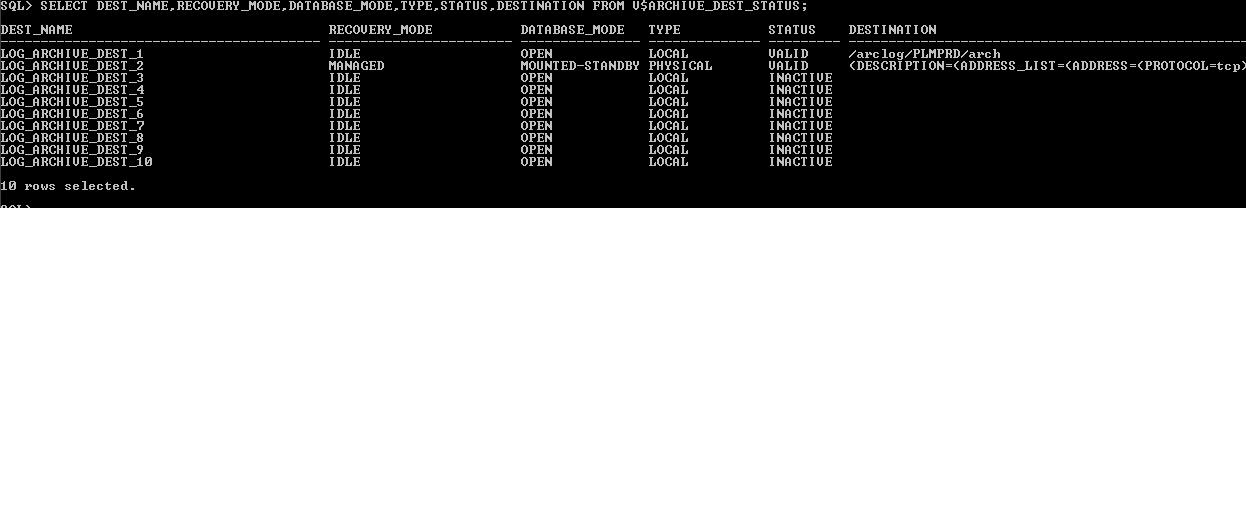
For this we can login to the Primary database instance and Query V$ARCHIVE_DEST_STATUS and look for recovery_mode on the standby destination.

As we see in the above screenshot recovery mode on the standby database is “Managed” which means it is contradicting the DelayMins property of Data Guard configuration.
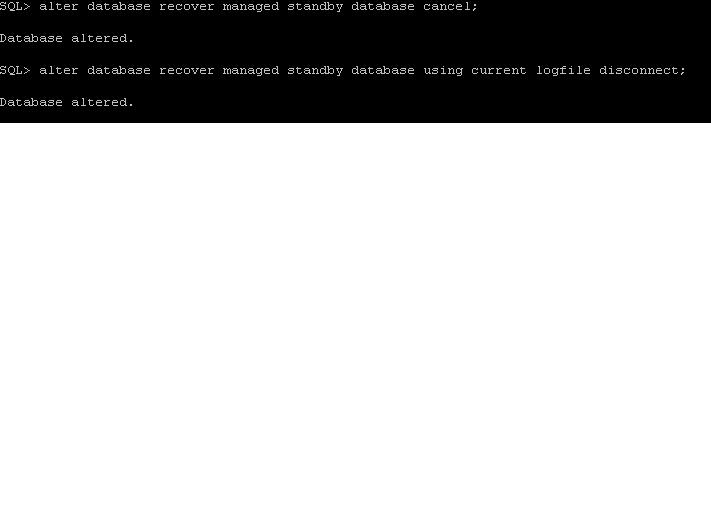
Now we need to login to the Standby server and first stop the Redo Apply and then start the redo apply in real time mode.

After this wait for the next log switch and then check the recovery_mode in V$ARCHIVE_DEST_STATUS.

As we can see, now recovery mode has changed from “Managed” to “MANAGED REAL TIME APPLY”.
Now we can check the status in Data Guard manager.
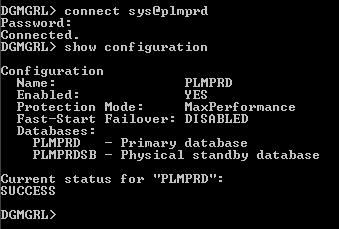
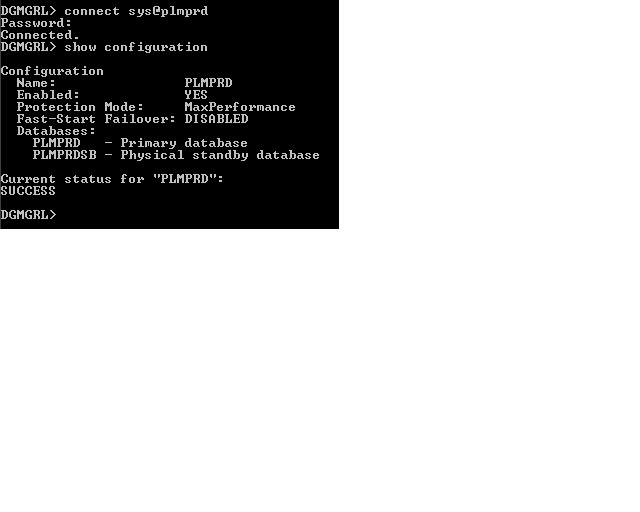
So, it shows the status as Success and we are done away with the error.
Please remember that the above solution is valid when we have Standby Redo Logs available at the standby database.
If we donot have standby Redo logs created at the standby database and dataguard has Delay parameter configured, we can issue the following command at the standby database to accomplish No delay
ALTER DATABASE RECOVER MANAGED STANDBY DATABASE DISCONNECT NODELAY;
Thanks for this post Navneet, it helped me to solve this same issue I faced.
–Amol.
Thank you. this helped
I’m not sure exactly why but this site is loading very slow for me.
Is anyone else having this problem or is it a issue on my end?
I’ll check back later on and see if the problem still exists.
Navneet,
Thank-you for your post. However, I found another “solution” The Alter database command need to be done with the broker configuration disabled.
I had this error. I had a standby redo log group go “bad” We had to cancel managed recover, clear the standby redo log group, then re-activate managed recovery. The syntax we used was good, but still we got the ORA-16826 error.
“Bouncing” the broker configuration was all that was needed to get SUCCESS from the “show configuration verbose” command.
John
Good info!!
It worked for me .
I liked the screenshots in the info.
Rayen